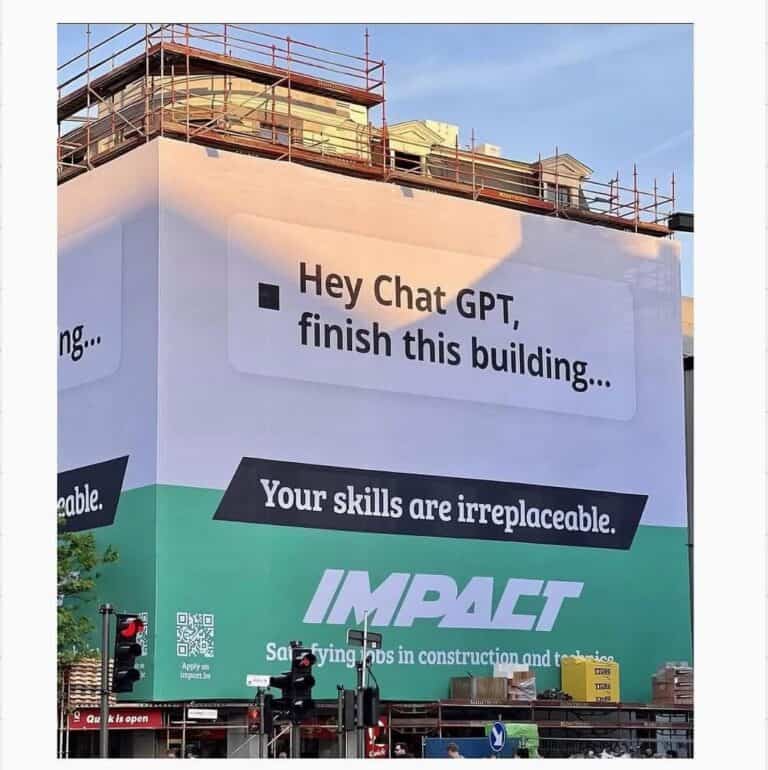
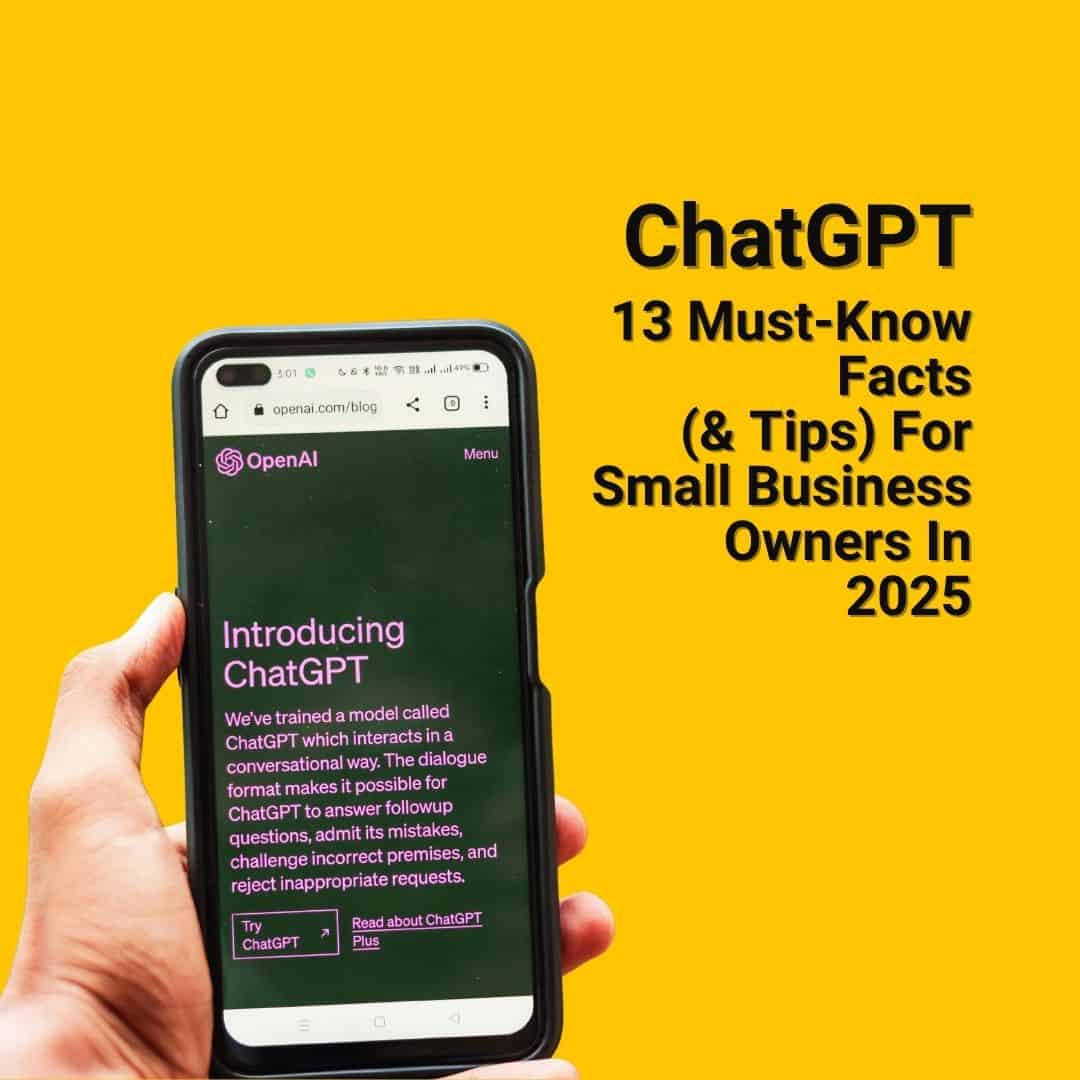
ChatGPT has revolutionised the operation of UK small businesses.
If you’re a small business owner, chances are you’ve heard of ChatGPT by now. You might have even tried it out yourself. But beyond the buzzwords and headlines, there are plenty of lesser-known features, quirks, and capabilities that could make a real difference to how you run your business and improve your small business marketing.
There are also a few pitfalls that must be taken into account.
Research from St Andrews Business School shows that small and medium-sized businesses using AI tools can boost productivity by 27% to 133%. The biggest gains are seen in lower-productivity firms, especially in sectors like catering and hospitality. The findings are based on analysis of the UK government’s survey of 10,000 SMEs.
Whether you’re a product or service-based business, this blog gives you an easy-to-understand, jargon-free look at what ChatGPT really can (and can’t) do for you, as a UK business owner looking for efficient ways to save time and grow.
Here are 13 ChatGPT facts designed to bring you up to speed with the basics, as well as some tips that might just change the way you think about AI tools.
The Background Info
1. ChatGPT Was Invented by OpenAI and Launched in 2022 (Good To Get Some Background About This Tool Everyone Has Been Talking About).
While OpenAI has been working on AI models for years, ChatGPT (as we know it today) became publicly available in late 2022.
Within five days, it reached a million users. It’s now being used across the world by everyone from students and teachers to marketers and mechanics. As of 2025, it’s still evolving quickly, making it a tool worth understanding for anyone in the small business sector.
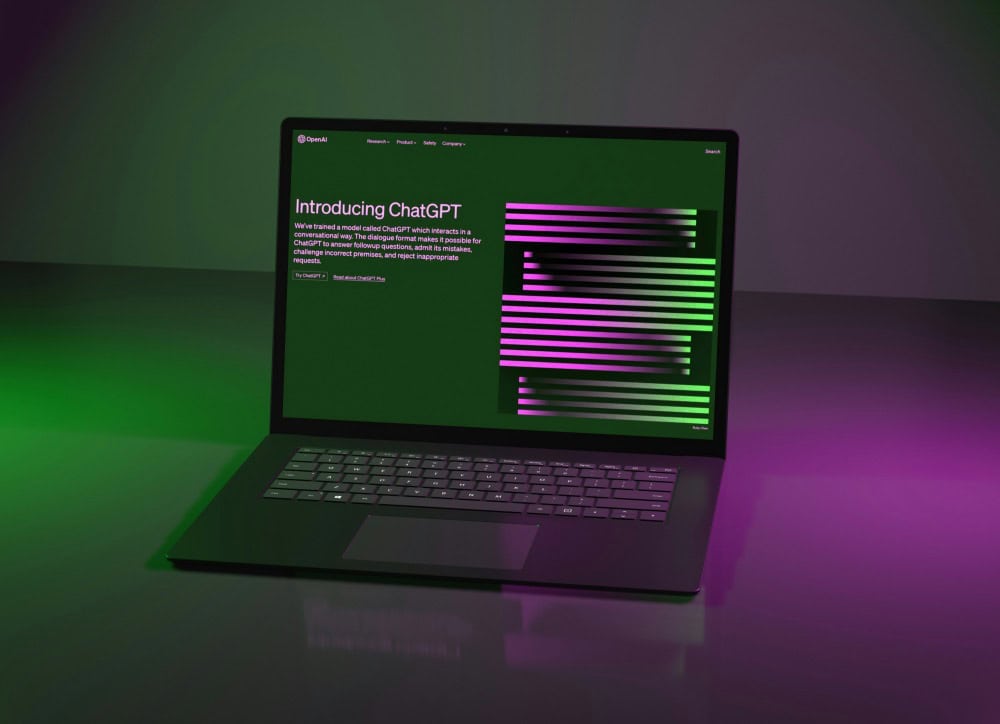
2. What Is ChatGPT?
It might sound like something from Transformers, but GPT is simply a technical name. Here’s a breakdown:
- Generative: It creates content
- Pre-trained: It was trained on a huge amount of data before being released
- Transformer: This is the AI architecture that powers how it understands and responds to language
In short, it reads, learns, and generates. It’s an advanced AI chatbot designed to understand and generate text that sounds natural and human. Unlike regular search engines that fetch results directly from the web, ChatGPT responds using its own “knowledge” – a language model trained on a vast mix of books, articles, and websites. You can think of it as a sophisticated chatbot that engages in dialogue to provide answers and help.
You can basically ask it questions, or ask it to do things for you, and it responds or actions requests in record speed.
It can boost productivity by supporting a wide range of tasks – from writing emails, solving problems, to interpreting data.
3. Chat GPT Can Integrate With Other Tools.
AI automation becomes powerful when you connect it with your existing tools. This can help UK small businesses simplify their operations without disrupting their proven workflows.
The ChatGPT Business plan, for example, allows you to integrate with over 60 common business apps like Slack, Google Drive, and Microsoft Office (source: openai.com). You can also create your own Custom GPTs – versions of ChatGPT tailored for specific tasks, like summarising customer feedback from a spreadsheet (source: help.openai.com).
Integrating ChatGPT with a small business admin tool like QuickBooks or Notion can streamline tasks such as invoice generation, expense tracking, and meeting summaries. HR teams can use it to generate personalised onboarding documents or training plans. This streamlines communication, boosts HR efficiency, and enhances the employee experience.
What You Can & Can’t Do With ChatGPT
4. Can ChatGPT Create Images?
Yes, ChatGPT Can Create Images (And You Own Them).
If you’re on ChatGPT Plus (the paid version), you can use the built-in DALL•E tool to create images directly within a chat. Free users can generate up to two images per day. Just describe what you want to see (“a cosy coffee shop in a British market town, photorealistic style”), and it will generate visual options.
These are useful for mockups, moodboards, Instagram visuals or email graphics.
Just be careful what you create. As a small business marketing consultant, I love playing with AI tools to get results for my clients. You do get the odd hilarious moment, though, when things don’t quite go as planned.
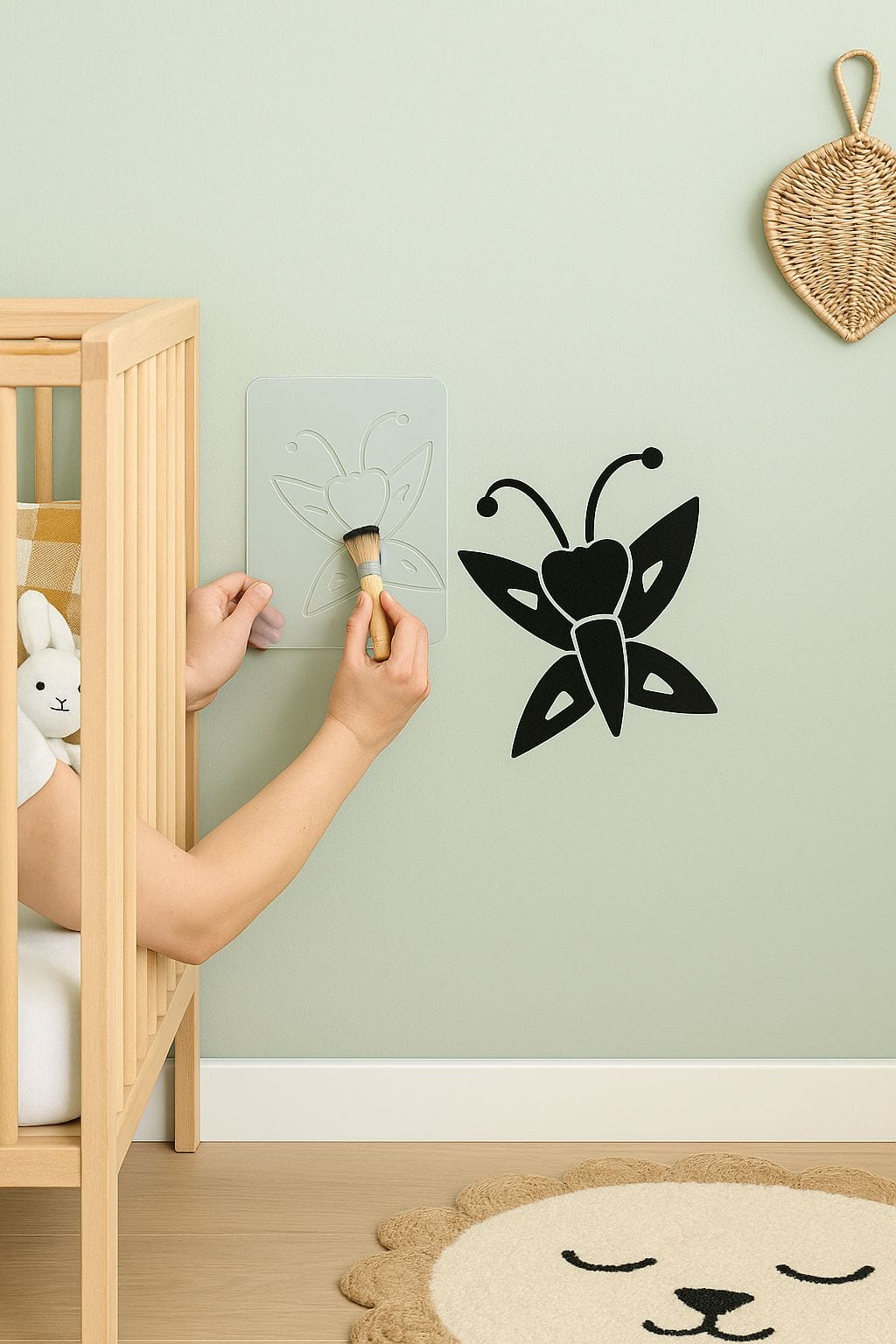
The photo below came up as an option to show how a stencil from an e-commerce client could be used. This parent is obviously prepared to go to any length to decorate their child’s room 😆
5. ChatGPT Doesn’t Edit Photos (But It Can Walk You Through How To Do That On Other Platforms).
You can’t currently upload a photo and edit it directly within ChatGPT. It won’t crop, retouch, or remove objects like Photoshop does.
But it can help you write clear instructions if you’re using tools like Canva, Adobe Express or Fotor. For example, tell ChatGPT what you want (“I want to blur the background and brighten the subject”), and it can tell you how to do that in your chosen software.
6. Can ChatGPT Create Videos?
Previously, ChatGPT could only help with video by writing scripts or suggesting shots. Now, things have changed. OpenAI’s text-to-video model, Sora, is accessible through ChatGPT’s paid plans.
ChatGPT Plus (£20/month): Gives you around 50 short video generations per month (up to 5 seconds long at 720p resolution). (sources: techradar.com, openai.com).
ChatGPT Pro (£200/month): Offers around 500 video generations per month (up to 20 seconds long at 1080p resolution) with no watermarks and priority access.
It’s perfect for creating short, eye-catching clips for social media or your website. Availability is still rolling out, but it’s a game-changer for accessible video marketing.
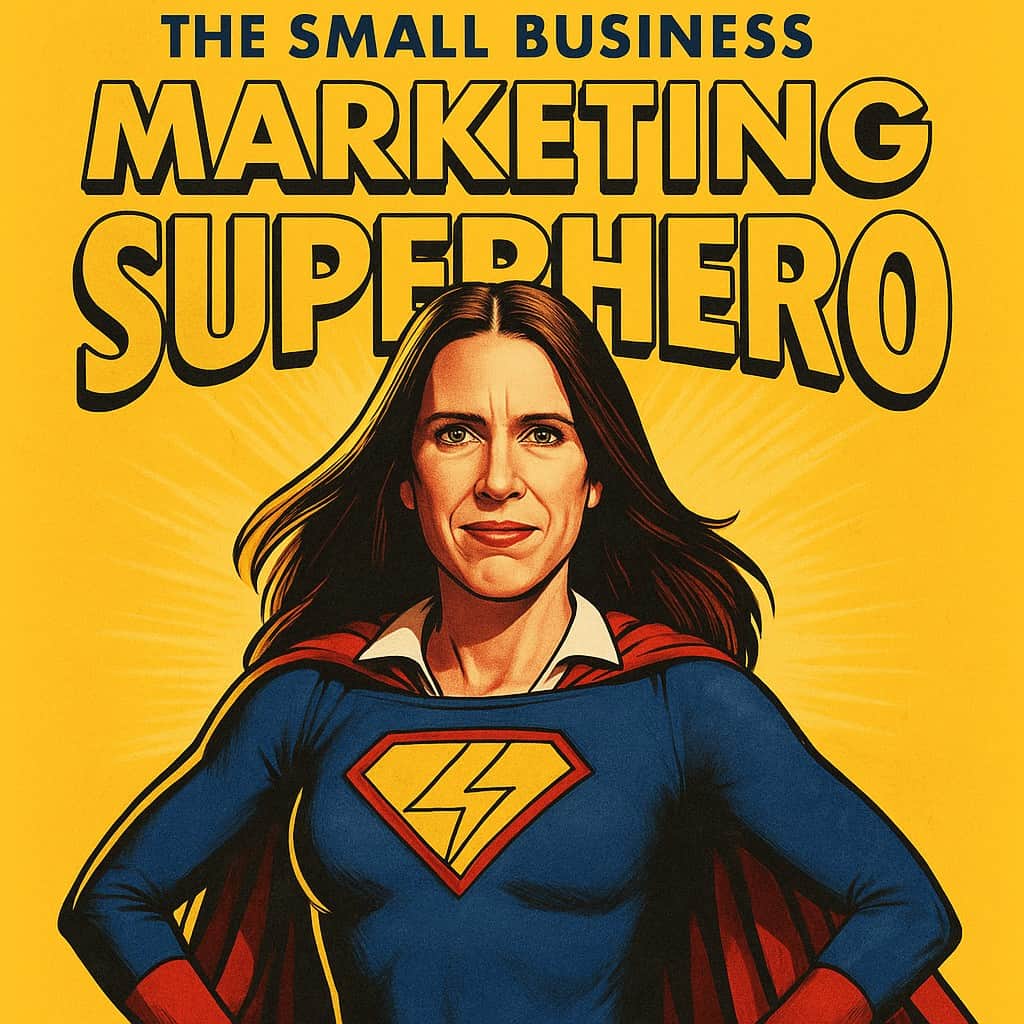
Sora, an exciting new standalone tool built by OpenAI, can also help you produce incredibly creative images (see the fun, small business marketing superhero film poster I created, shown later in the post).
7. You Can Use Your Voice To Talk To ChatGPT .
Using ChatGPT on the mobile app? You can now chat with it using your voice. It’s great if you want to:
- Brainstorm ideas while out on a walk
- Draft emails hands-free
- Do some real-time translation
This can add a helpful hands-free option to your digital marketing toolkit.
Whilst this sounds amazing in theory, there can be a glitch to this in practice.
The first time I tried this feature out, ChatGPT transcribed and answered my question…wait for it…in Welsh!!! Whilst I attempted to ask it (in English) about marketing tech tools, I was taken into a Welsh conversation about organisations in Wales. For clarity, I am not Welsh and I do not live in Wales. I was able to fix this by going into settings and changing one of the app language options to English, rather than leaving the option to automatic.
8. It Plays Nicely with Canva.
If you use Canva (and many UK small businesses do), you’ll be glad to know you can connect ChatGPT-generated content to your Canva designs.
Here’s how:
- Ask ChatGPT to write content for a flyer, presentation or social post
- Copy/paste into Canva
- OR use Canva’s built-in AI writing assistant (which is also powered by a version of ChatGPT!)
It’s a fast-track way to go from idea to final design, especially if you’re doing your own branding or marketing as a solopreneur or micro business owner.
A small word of warning, here though. Canva is an incredible tool but if, as a small business owner, you’re not too sure how to use it, what you think looks good, could end up looking unprofessional, inconsistent and off-brand to your customers.
Things To Remember About ChatGPT
9. ChatGPT Images Are Yours to Use Commercially
This is a big one. As of early 2026, OpenAI’s terms state that you own the images you create with DALL·E and have full commercial rights (source: newsopenai.com). This means you can sell, reprint, and merchandise them.
However, there are a few important caveats:
- You must comply with OpenAI’s Content Policy, which prohibits creating harmful, deceptive, or hateful content (source: openai.com).
- You cannot create images of real people without their consent or use protected brand logos.
- Keep your own brand identity in mind – don’t rely solely on AI art to represent your business.
As a marketing consultant who works with small businesses that don’t have legal departments to support them, I would urge caution here. ChatGPT sometimes uses inspiration from other sites, such as Pinterest, and outputs may contain copyrighted material. Users may be liable if they reproduce such material.
My marketing tip for small business owners would be to double-check images you’re not sure about, by uploading them onto Google Lens, to see if they’ve been taken from anywhere else on the internet that might lead to copyright problems.
10. ChatGPT and GDPR: What You Need to Know.
If you’re using ChatGPT in your business, GDPR compliance is non-negotiable. While you should always avoid inputting sensitive personal data into the free versions, the paid business-focused plans are built with security in mind.
The ChatGPT Business and Enterprise plans offer:
- GDPR and CCPA compliance.
- A secure workspace with admin controls.
- Data encryption at rest and in transit.
- Features like Single Sign-On (SSO) and Multi-Factor Authentication (MFA).
- A promise that your business data will not be used to train OpenAI’s models by default.
- For any workflow involving customer data, using a business-tier plan is the responsible choice.
(source: openai.com)
Always check your own privacy policies before using AI tools in workflows that involve real people’s data.
Data security requires proper protocols – use enterprise plans for sensitive data, remove personal information from inputs, and maintain UK GDPR compliance through careful data handling practices.
11. It Doesn’t Lie, But It Might Be Wrong (Something You Need To Watch Out For).
ChatGPT doesn’t deliberately make stuff up. But sometimes, if it doesn’t have the right information, it might “fill in the blanks” in ways that sound plausible but aren’t accurate. This is known as a “hallucination” in AI speak. It’s why a quick double-check is always a smart move.
Also, its core knowledge has a time limit. The latest model, GPT-5.2, was trained on data up to August 2025 (source: help.openai.com). However, unlike older versions, ChatGPT can now overcome this limitation by using built-in tools like Search (Web Browsing) and Deep Research to access up-to-the-minute information from the internet when you ask it to.
Key limitations to watch out for, therefore, include potential inaccuracies or “hallucinations” in generated content and struggles with nuanced contexts. Additionally, the tool may lack the specific industry expertise that human professionals possess, making human review and expertise crucial.
12. Is ChatGPT Free?
While there is an excellent free version of ChatGPT, OpenAI now offers a range of subscription plans for businesses with bigger needs.
Free: Great for trying it out, with limited access to the latest models and tools.
Go (£8/month): More messages, increased uploads, and better image creation.
Plus (£20/month): The most popular plan for individuals. Get priority access, faster responses, and access to advanced tools like data analysis, Projects, and Sora video generation.
Business (£25/user/month): Designed for teams. Includes all Plus features plus a secure workspace, admin controls, and app integrations.
There are also Pro and Enterprise tiers for users and organisations with very high demands.
The Future Of ChatGPT
13. ChatGPT Can Work Directly With Your Files and Projects
The days of just copying and pasting text are over. ChatGPT is now a powerful workspace assistant that can interact directly with your documents.
You can now upload files (like PDFs, spreadsheets, or images) and ask ChatGPT to summarise, analyse, explain, or extract information from them.
Even more exciting are new features like:
Canvas: An interactive workspace where you can brainstorm, write, and edit alongside the AI.
Projects: A way to organise your chats, files, and notes into a single hub for a specific piece of work, like a marketing campaign or a new business proposal.
Instead of just being a tool you consult, ChatGPT can now be an active partner in getting your work done from start to finish.
Final Word
If you’re a small business owner in the UK looking for ways to save time, overcome writer’s block and optimise your content, ChatGPT is well worth exploring.
You don’t have to be a digital native to get results. It’s one of the reasons many marketing and business consultants recommend it to their clients.
It’s a brilliant tool – but like any tool, it’s only as effective as the person using it. Without the right marketing strategy, direction or messaging, it can just help you do more of the same, even if that same thing isn’t working. The technology works best when combined with proper strategy and human expertise. While ChatGPT can generate ideas and automate tasks, success requires clear business objectives, precise prompts, the experience to review the information you’re being fed and skilled implementation.
That’s where a marketing consultant comes in. Someone who can help you build a marketing approach and optimise all the tools to actually move the needle. AI can give you ideas. But it takes the right strategy and plan to fully be able to unlock the game-changing results from some of these tools for UK small businesses.
Want help turning AI ideas into a practical marketing plan?
ChatGPT can be a brilliant tool for small business marketing, but it works best when it is guided by a clear strategy. The real value comes from knowing what to say, who you are trying to reach, which channels matter most and how your content supports your wider business goals.
I’m Catherine McManus, an independent marketing consultant for small businesses, helping business owners with practical marketing strategy, SEO, content, social media and lead generation.
If you’d like support turning ideas into focused marketing activity, you can find out more about my marketing services here.
If you’re ready to hire a marketing consultant who can help you develop and grow your business, with ChatGPT and with other tools and strategies, get in touch by calling 07448 720859 or using the contact form below.